
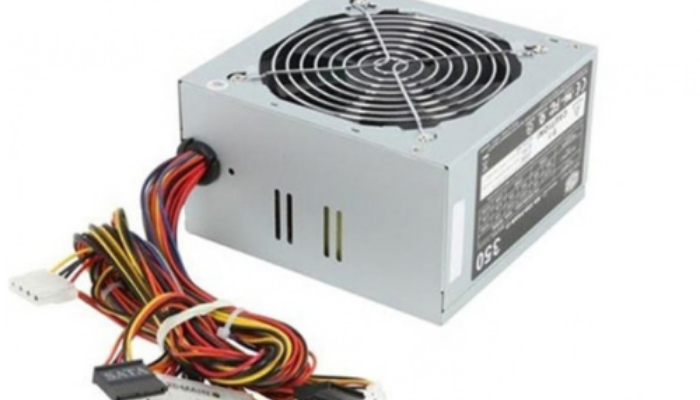
How to Use a Power Supply Unit (PSU)
How to Use a Power Supply Unit (PSU)
A Power Supply Unit (PSU) is one of the most important components of a computer. It converts electricity from a wall outlet into the appropriate power required by the motherboard, processor, storage devices, graphics card, and other components. Using the right PSU correctly helps maintain stable and reliable computer performance.
1. Choose the Right Wattage
Select a PSU with enough wattage to support all your computer components. A system with a powerful processor or graphics card may require a higher-capacity power supply.
2. Check Compatibility
Before installation, make sure the PSU has the required connectors for your motherboard, CPU, graphics card, storage drives, and other components.
3. Install the PSU Properly
Place the PSU securely inside the compatible computer case and use the appropriate mounting screws. Ensure its ventilation area has sufficient airflow.
4. Connect the Power Cables
Connect the appropriate cables to the motherboard, CPU, graphics card, HDD/SSD, and other components. Never force a connector into the wrong port.
5. Manage the Cables
Keep PSU cables organized and away from cooling fans. Proper cable management can improve airflow and make future maintenance easier.
6. Follow Safety Precautions
Always switch off and unplug the computer before installing or changing a PSU. Do not open the PSU casing, as it can contain components that retain dangerous electrical charge.
Conclusion
Using a suitable and properly installed PSU is essential for stable, efficient, and reliable computer operation. Always check your system's power requirements and PSU specifications before installation.